
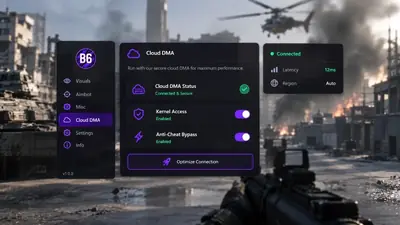
Cloud DMA for Battlefield 6: Full Stack Costs
Why Cloud DMA is required, what Hyper-V does on one PC, and which separate purchases (GREENWARD, Static Server, AWS) sit outside the main cheat checkout.
Cloud DMA is the delivery layer for memory-side features on a single Windows tower. It is not optional for full functionality on supported builds. Treat it as infrastructure, not a bonus feature.
What installs on your PC
The guided installer provisions a Hyper-V virtual environment on the same machine you game on. You do not need a second physical PC or an external DMA card. You do need virtualization enabled in firmware and a Windows edition that supports Hyper-V. The main Battlefield 6 cheats build still needs this layer for full menu access.
Three purchases outside Cloud DMA
- GREENWARD
- Static Server
- AWS (separate from Static Server; you need both)
Each is its own checkout. None are bundled into the Cloud DMA page total. Plan the full chain before you buy the Battlefield overlay alone.
Minimum hardware notes
- 64-bit Windows 10 or 11
- 8 GB RAM minimum, 16 GB recommended with Hyper-V
- Stable broadband for activation
- HVCI, Core Isolation, TPM, and Secure Boot on
Where to start
Read the Cloud DMA product page, then open purchase options when you are ready. If Windows edition or RAM is borderline, contact support before you pay.