
Buy Battlefield 6 Cheats: What to Check Before You Pay
A practical checklist for buying Battlefield 6 cheats: Windows settings, Cloud DMA, delivery, and what the product page should explain.
Buying Battlefield 6 cheats is not like grabbing a game DLC. The catalog expects a full Windows security stack, Cloud DMA on one PC, and a loader you configure before you queue. Use this checklist so you do not pay for a setup your machine cannot run.
Confirm Battlefield 6 is the supported title
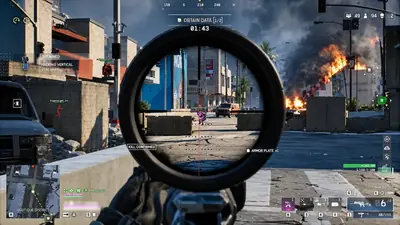
Open the Battlefield 6 cheats page and read the feature list for this game, not a generic FPS blurb. Compare utilities on the products hub if you still need Cloud DMA or a spoofer. You should see player ESP, aim controls, radar, wallhack, and recoil options that match large 64-player maps. If anything is vague, ask support or read the FAQ before checkout.
Budget for Cloud DMA and the add-on chain
The overlay is only one piece. The seller routes features through Cloud DMA, which needs Hyper-V on the same gaming PC. GREENWARD, Static Server, and AWS are three more purchases. None of them ship inside the Cloud DMA checkout. Read what you need beyond the loader before you assume one cart covers everything.
Match Windows security settings first
HVCI, Core Isolation, TPM, and Secure Boot stay on for the catalog stack. If you have not checked them lately, follow our TPM and Secure Boot guide first. Turning security off to "make cheats work" usually breaks both the game and the loader.
Pick a license length you understand
Monthly and lifetime tiers share the same features in the seller pattern. What changes is time. Whichever you pick, read how access is delivered after payment and how updates are announced when Battlefield 6 or Javelin patches land.
Know the ban risk up front
EA ships Javelin kernel anti-cheat on Battlefield 6. Third-party tools can stop working after a patch and can lead to account or hardware action. No seller can promise permanent safety. Our Javelin overview states what that means in plain terms.